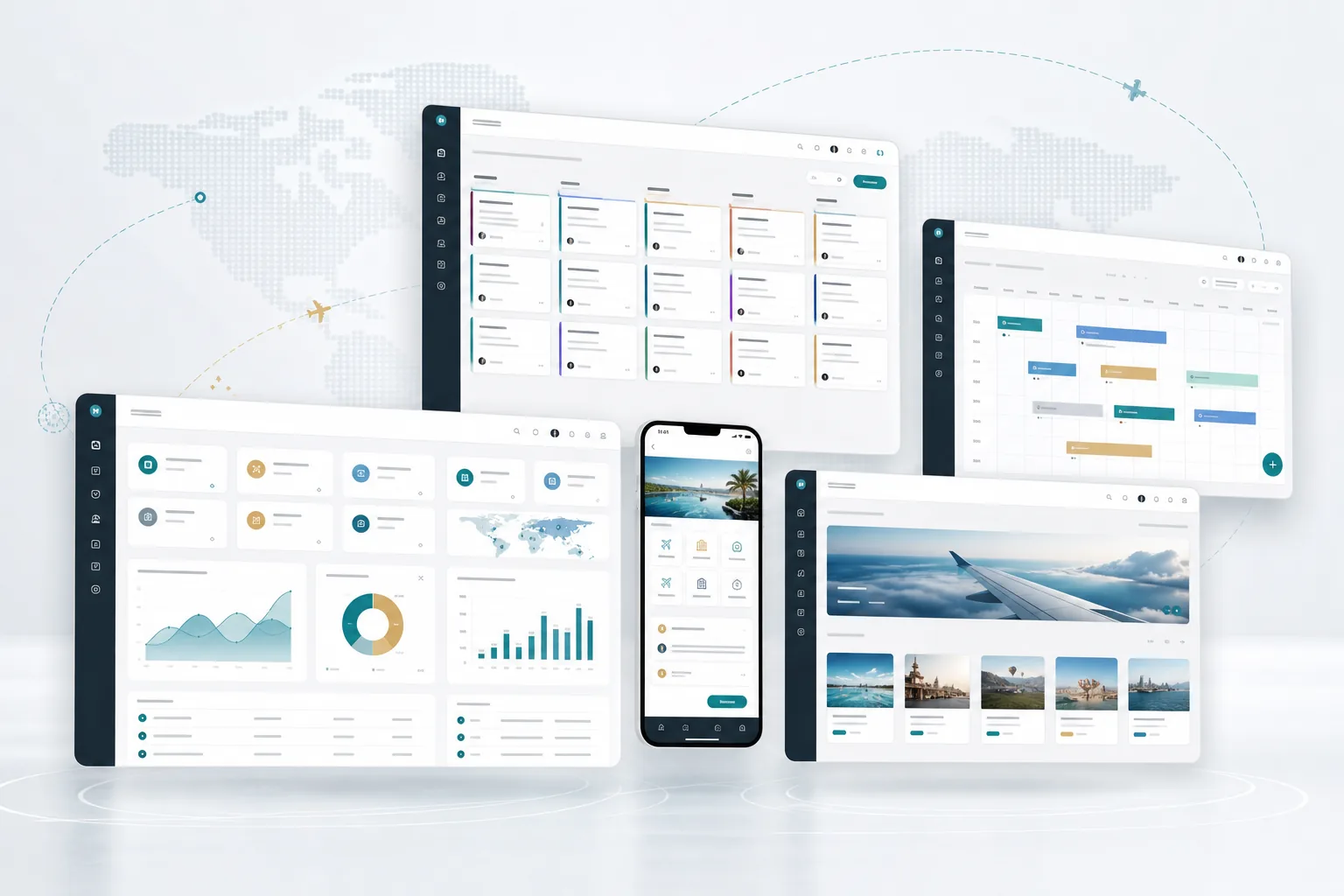
Workflow, task, notification, and reporting automation

Business Process Automation Services

Plan and develop software workflows for task routing, approvals, reminders and reporting across the tools your team uses. Start with one process; integrations and ongoing support are agreed in the proposal.

Business process automation

Business process automation, scoped around one workflow

BANDEVI plans and develops software workflows that connect task routing, approvals, reminders and reporting across the tools your team uses. Start with one repeated process, its decision owner and the exception that currently causes extra work. Provider access, integrations and ongoing support are confirmed in the proposal.

This page describes a software-development engagement. If you need an existing automation product or an outsourced operations team, clarify that requirement before choosing a custom build.

  • ✓Lead routing, follow-up reminders, source tracking, owner assignment, task queues, and sales activity automation
  • ✓Approval workflows for finance, documents, operations, booking or order status, support, and internal exceptions
  • ✓WhatsApp, email, customer update, payment reminder, document request, and team notification planning
  • ✓Dashboards that show open work, overdue actions, exception cases, source quality, response speed, and team workload
Business process automation services for repeated work, reminders, approvals, and dashboards.

What this includes.

Each page focuses on a service area that can become a standalone project or part of a larger digital system.

Reminder automation

Automate follow-ups, document requests, payment reminders, support replies, customer updates, and internal alerts.

Lead and task routing

Route enquiries, tasks, approvals, and exceptions by source, service, priority, branch, department, and owner.

Approval workflows

Control approvals for finance, operations, documents, customer status, support handoff, and service milestones.

CRM and ERP handoff

Move information from leads to workflows, quotations, orders, bookings, payments, documents, and dashboards.

Automation dashboard

Track overdue actions, workload, response speed, conversion, exceptions, reminders, and team performance.

Website trigger paths

Use website forms, demo requests, WhatsApp actions, customer portals, and campaign pages as automation triggers.

Delivery path

A simple path from idea to working system.

01

Map one workflow

Your process owner reviews the current steps, inputs, repeated work and desired outcome. The output is a workflow map with a named owner for each decision.

02

Agree triggers and permissions

Review the source of each trigger, access rules, approval points and missing-data or retry behaviour. Record provider access and integration dependencies before including a connection.

03

Rehearse the first release

Use representative test records to review a normal task, a repeated trigger, a restricted user and an unresolved exception. Agree the acceptance evidence before rollout.

04

Hand over monitoring and ownership

Review the agreed deployment, recovery checks, documentation and staff training. Name the person responsible for alerts, failed tasks and future changes.

Plan a reviewable first release

What to agree before development

Bring one repeated task and an anonymised record. Agree the proposed outputs below before committing to a build.

Workflow map

The trigger, source record, decisions, owners and end state.

Rules and access matrix

Who can view, approve, change, retry or resolve each action.

Integration-readiness note

Available APIs or exports, permissions, identifiers, limits, fees and the authoritative system for each record.

Acceptance set

A normal case, repeated event, missing reference, restricted user and failed update with the expected result.

Handover plan

Alert ownership, operating instructions, access, recovery and the agreed support scope.

These are proposed artefacts to agree in discovery, not a free audit, a fixed-price package or a claim that every item is included automatically. The written proposal confirms deliverables, dependencies, fees and milestones.

Discuss one automation workflow

Illustrative travel workflow

Keep a failed update visible until the right person resolves it

This fictional planning example describes proposed scope using a booking-related update that cannot be matched to a source record. It does not demonstrate a connected API, deployed retry engine or customer result. Confirm what the selected tools can support and test the agreed cases before rollout.

  1. Retain the failed update. The proposed workflow would keep the source reference and failure reason for fictional booking EXAMPLE-01.
  2. Route a review task. The workflow would assign the unmatched item to the agreed owner. A repeated event should not create another task.
  3. Require the right decision. A missing reference, changed approval or uncertain outcome needs a visible review decision. Only a resolved, verified match should permit the next agreed action.
  4. Agree the retry boundary. A temporary technical failure may be eligible for a limited retry. Retrying an update is not authority to approve a payment, send a customer message or mark work complete.
  5. Report the reviewed state. Agree how the last checked record, decision and next action would be shown. A review task or payment-status record does not establish a transfer or bank settlement.

Provider access, available events, permissions, retry rules and any responsibility for moving money must be assessed and agreed in the proposal. No bank, payment or messaging integration is implied by this example.

Choose Travel ERP finance when the main requirement is booking-level customer and supplier records. Choose automation when existing systems remain in place and events, decisions and exceptions need to pass between them. The two can be scoped together after discovery.

Automation modules

What BANDEVI can automate inside business workflows.

The first release can start with a small repeated workflow, then expand into connected CRM, ERP, portal, WhatsApp, dashboard, support, and reporting automation.

Automation areaWhat it can control
Lead automationRoute website forms, demo requests, WhatsApp enquiries, campaign leads, partner leads, and branch enquiries to the right owner with source tracking.
Follow-up automationCreate reminders, next-action alerts, overdue lead signals, quotation follow-ups, customer callbacks, and sales-stage notifications.
CRM automationAutomate lead assignment, pipeline movement, lost reason capture, customer updates, source reporting, sales tasks, and daily team review.
ERP automationTrigger task queues, approval paths, booking or order updates, supplier actions, invoice status, payment reminders, and operations reports.
WhatsApp and email workflowsSend structured customer updates, document requests, payment reminders, booking notes, service status, and internal team alerts.
Document request automationRequest, track, and remind for customer documents, project files, invoice copies, booking records, approvals, and support attachments.
Dashboard automationPrepare pipeline, workload, revenue, source, payment, turnaround, support, and exception dashboards for management review.
Portal and support automationConnect customer portals, support desks, status views, ticket routing, file access, notifications, and service handoffs.
Industries

Automation workflows for different business lines.

BANDEVI can shape automation around how each business receives enquiries, assigns work, updates customers, collects documents, tracks payments, and reviews performance.

Travel and tourism

Lead routing, quotation follow-ups, itinerary notes, document requests, payment reminders, booking status, supplier tasks, and travel dashboards.

Service businesses

Enquiry assignment, quotation reminders, service status, task routing, customer updates, support handoffs, and management reports.

Retail and e-commerce

Order status, payment reminders, customer notifications, distributor leads, inventory alerts, support tickets, and campaign reports.

Food and packaged products

Bulk enquiry routing, distributor follow-ups, product interest reports, stock direction, dispatch updates, and sales dashboards.

Consulting and professional services

Client onboarding, proposal reminders, document requests, project status, invoice tracking, and client portal notifications.

Multi-office groups

Branch-wise lead routing, team ownership, approval paths, role-based notifications, office-level dashboards, and shared management reporting.

Company records and delivery

Review the company records and project responsibilities

Review the published company-record status and agree the people and responsibilities for your project before sharing workflow details.

Company profile and verification

Review the company profile and published record status. Ask for supporting records relevant to the contracting business; a company-submitted profile PDF is not independent verification.

Confirm your project team and contracting details

Ask who will own the workflow review, implementation and handover. Review the published company-record status and confirm the responsible business, project contacts and agreed support in your proposal. Do not treat unverified staffing or financial information as delivery evidence.

Controlled automation rollout

Automation work can include workflow maps, trigger rules, user roles, approval paths, message drafts, reporting fields, access handover, support ownership, and post-launch improvement planning.

Business automation FAQ

Questions to settle before a first release.

Use these questions to agree a useful starting scope, dependencies and review responsibilities.

What is business automation?

Business automation uses workflows, reminders, routing, notifications, dashboards, and system rules to reduce repeated manual work across sales, operations, finance, support, and reporting.

Does BANDEVI GLOBAL GROUP build business automation systems?

Yes. BANDEVI builds automation for lead routing, follow-ups, CRM, ERP, WhatsApp and email notifications, document requests, task queues, approvals, portals, and dashboards.

Can automation connect with CRM and ERP?

Yes. Automation can connect with CRM and ERP workflows for lead assignment, pipeline updates, tasks, approvals, invoices, payments, documents, reporting, and team notifications.

Can BANDEVI automate WhatsApp and customer communication?

Yes. BANDEVI can plan WhatsApp and communication workflows for enquiries, follow-ups, document requests, service status, payment reminders, booking notes, and support updates.

Which businesses can use automation?

Travel companies, service businesses, e-commerce brands, food-product brands, consulting teams, multi-office groups, and internal operations teams can use automation to reduce missed work and improve visibility.

Where can visitors verify BANDEVI before starting automation work?

Visitors can verify BANDEVI through the Company Profile, Proof & Verification page, Company Record Status page, Offices page, company profile PDF, official phone, email, and bandeviglobalgroup.com.

Discuss your requirements

Discuss an automation workflow.

Share the repeated task, current tools, review roles and first-release priorities. Use anonymised examples and leave credentials or customer records out of your enquiry.

Delivery is remote from Gurugram, India. Quotations are available in USD, GBP and INR; the written proposal confirms scope, dependencies, acceptance, costs and support. A preferred conversation time is not a confirmed appointment.

Automation is selected when you open the enquiry. Check your market, quotation currency and contact time zone before sending. For another market, discuss your automation requirements.

Discuss business process automation for your business.

Share your current workflow and BANDEVI GLOBAL GROUP can map the right first release.

Discuss one automation workflow